
Recording instructions

How to record your singing clip

Use your phone, keep the file simple, and send a clip Liuba can actually analyse.

iPhone & Androidfriendly

No studio setupneeded

Clear soundmatters most

Privatepersonal feedback
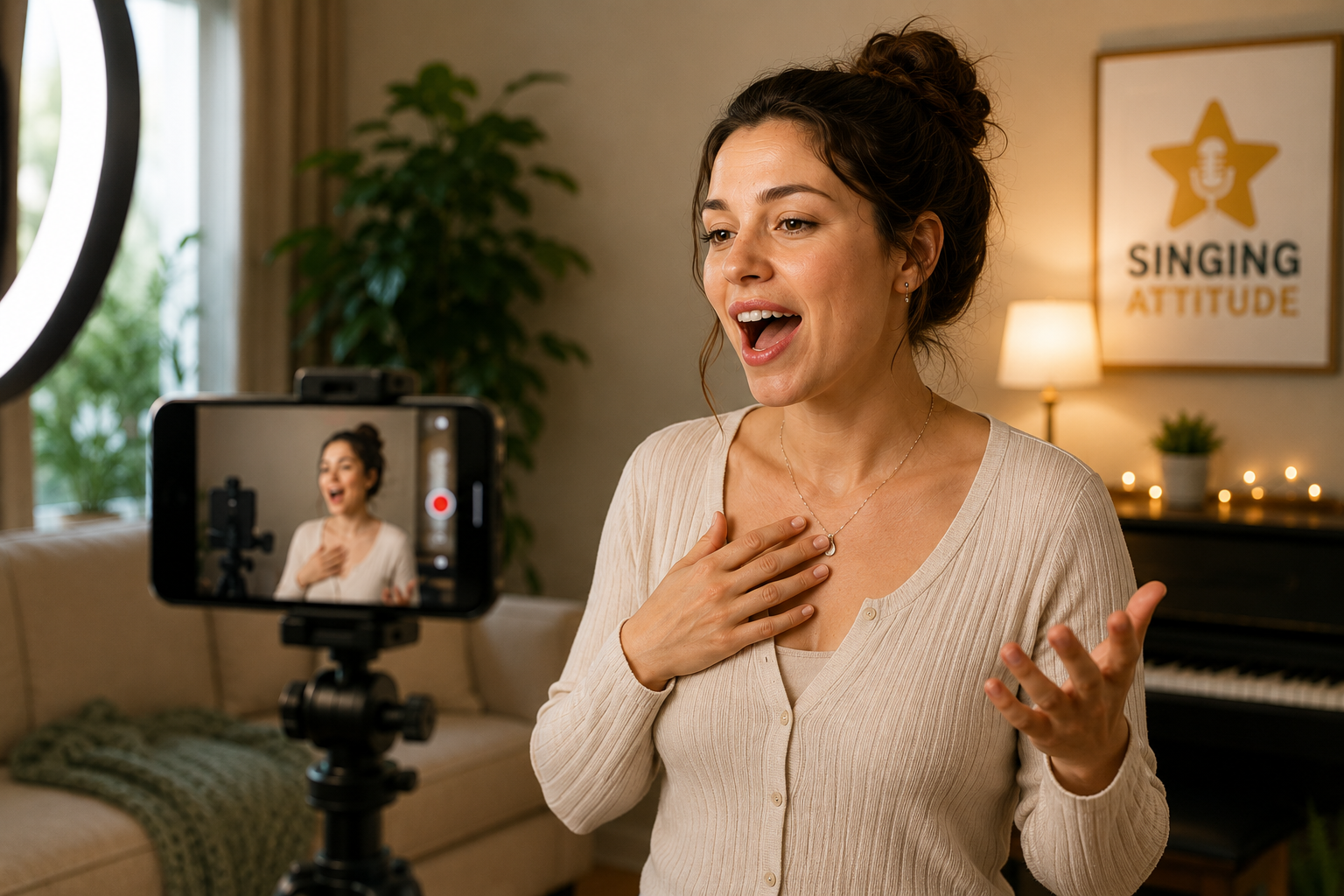
Liuba recording online singing feedback

Quick answer

The best clip is simple and focused.

For most singers, the best clip is a short, focused recording in a quiet room, filmed in landscape or portrait with your face and upper body visible. Record close enough for the voice to be clear, avoid heavy effects or backing tracks that cover the voice, and upload the original or a compressed copy if the file is too large.

What Liuba needs to see and hear

Video Feedback works best when the issue is visible or hearable in the clip. If the problem is unpredictable or changes every time, start with Evaluation instead.

Your face and upper body if possible

This helps Liuba notice breath, jaw, tongue, neck, and effort patterns.

The exact phrase or note where the issue happens

A focused example is more useful than a full song where the issue is harder to isolate.

Natural singing volume

Sing the way the problem normally happens. Do not perform differently just because the camera is on.

Clear sound without distortion

Stay close enough for the voice to be clear, but not so close that the phone microphone clips.

One focused problem, not a full concert

Choose the clearest example of the issue you want corrected first.

iPhone / iOS recording instructions

  1. 1Open Camera and choose Video.
  2. 2Use the normal rear or front camera. Avoid social, filter, or beauty modes.
  3. 3Wipe the camera lens and place the phone on a stable surface or tripod.
  4. 4Record in a quiet room with your face and upper body visible if possible.
  5. 5Stand close enough that your voice is clear, but not a few centimetres from the microphone.
  6. 6Use natural room light or face a window so your jaw, neck, and breath effort are visible.
  7. 7Record one short test first, then watch and listen back before uploading.

File-size tips

  • Record a shorter clip instead of a full song.
  • Avoid 4K unless you truly need it.
  • Use 1080p HD if available.
  • Trim the clip in Photos before uploading.
  • Avoid sending through apps that heavily reduce sound quality unless necessary.

Android recording instructions

  1. 1Open Camera and choose Video.
  2. 2Use standard video mode, not beauty, filter, HDR-heavy, or social mode.
  3. 3Keep the phone steady on a shelf, stand, tripod, or stable surface.
  4. 4Record in a quiet room and avoid fans, traffic noise, or loud speakers.
  5. 5Keep the phone close enough for clear sound without singing directly into the microphone.
  6. 6Use a quiet backing track only if it helps you sing naturally and your voice remains louder.
  7. 7Record a short test and review it before uploading.

File-size tips

  • Use 1080p rather than 4K where available.
  • Keep the clip short.
  • Trim the video in Gallery or Photos before upload.
  • Avoid unnecessary filters, HDR, or high frame-rate modes if they create very large files.
  • Use built-in share or compress options only if the original file is too large.

Recommended settings

These settings are practical defaults, not a studio requirement.

Video

  • 1080p is usually enough
  • 30fps is usually enough
  • Landscape or portrait is acceptable
  • Keep the camera steady

Audio

  • Quiet room
  • No heavy reverb
  • No clipping or distortion
  • Avoid strong wind or fans
  • Avoid singing too close to the phone mic

Performance

  • Sing naturally
  • Use the same volume and coordination as usual
  • Do not over-correct for the camera
  • Include the problem if it happens

How long should the clip be?

Up to 3 minutes. Keep it focused. A shorter clip that clearly shows the issue is usually more useful than a full song.

Formats and size

Upload a video file. MP4/MOV and H.264 recommended. Max size is shown in your upload area because the site uses the active upload configuration for your account.

Backing track or a cappella?

A cappella is fine if the issue is clear. A quiet backing track is okay if it helps you perform naturally, but your voice must be louder than the track.

Common mistakes to avoid

  • Recording too far away
  • Recording in a noisy room
  • Sending a full song when one phrase shows the issue
  • Using heavy effects, reverb, filters, or auto-tune
  • Singing differently because of the camera
  • Only showing the ceiling or floor
  • Backing track louder than the voice
  • Recording in 4K and creating a huge file unnecessarily

Upload help / file too large

  • Trim the video before upload.
  • Record a shorter version.
  • Use 1080p instead of 4K.
  • Try uploading on Wi-Fi.
  • If upload fails, try again from a computer or contact support.

Your clip is used for your personal feedback and is not shared publicly.

Contact support →

Frequently asked questions

These answers are written for singers recording on a phone for the first time.

Either is acceptable. Choose the angle that lets Liuba see your face and upper body clearly while keeping the sound easy to hear.

Yes, if it helps you sing naturally. Keep the backing track quieter than your voice so Liuba can hear the vocal issue clearly. A cappella is also fine when the issue is clear without accompaniment.

Usually no. A shorter clip that clearly shows the issue is more useful than a full performance. The portal accepts clips up to 3 minutes.

If the issue changes every time or you cannot capture it clearly, start with a Singing Evaluation instead. Evaluation is better when the cause needs diagnosis before correction.

The upload area shows the current maximum size for your account. If your file is too large, trim it, record a shorter version, or export at 1080p, 30fps, H.264 / Most Compatible where available.

Use headphones only if they help you sing naturally and keep the backing track out of the phone microphone. Avoid them if they make you sing too quietly, tightly, or differently from normal.

Video is better for Video Feedback because Liuba can see visible tension, breath effort, posture, and facial or jaw patterns. If you only have audio or the cause is unclear, choose Evaluation first.

That is normal. Record a short test, take a pause, and send the clearest useful example rather than trying to make it perfect. If nerves or pressure are the main blocker, Evaluation may be the better first step.

Ready to record?

Ready to send a clear clip?

Choose a Video Feedback package and record one focused example so Liuba can give you practical next steps.